1
Locate Folder and Browser Extensions
Locate rana-remix in your Downloads, and go to the new tab that we opened for you ( chrome://extensions/ ) and enable Developer mode.
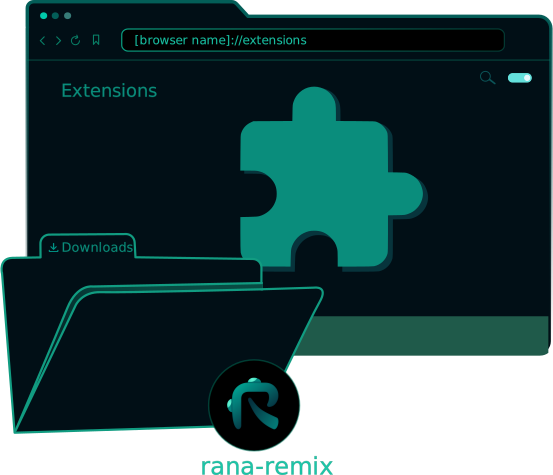
Welcome to the installation guide for the Rana Remix extension on your Browser, follow these simple steps to get started.
Locate rana-remix in your Downloads, and go to the new tab that we opened for you ( browser://extensions/ ) and enable Developer mode.
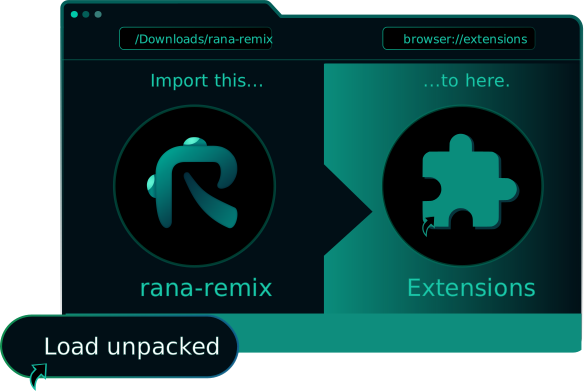
Click Load unpacked and select the rana-remix folder, or drag and drop it to extensions.
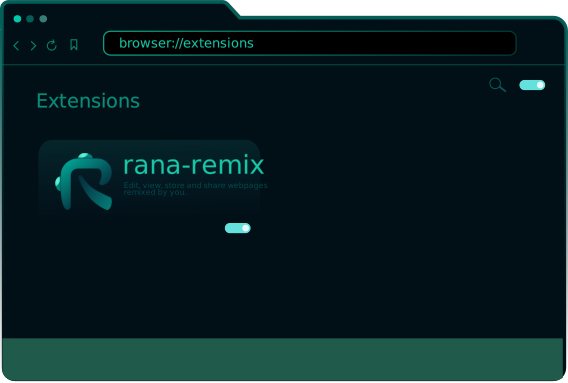
Here you can manage the extension, make sure it's enable in order to use RanaRemix.
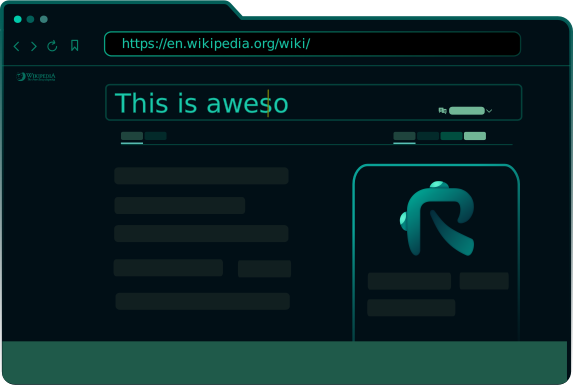
Now you can edit, comment, save and share any webpage remixed by you.